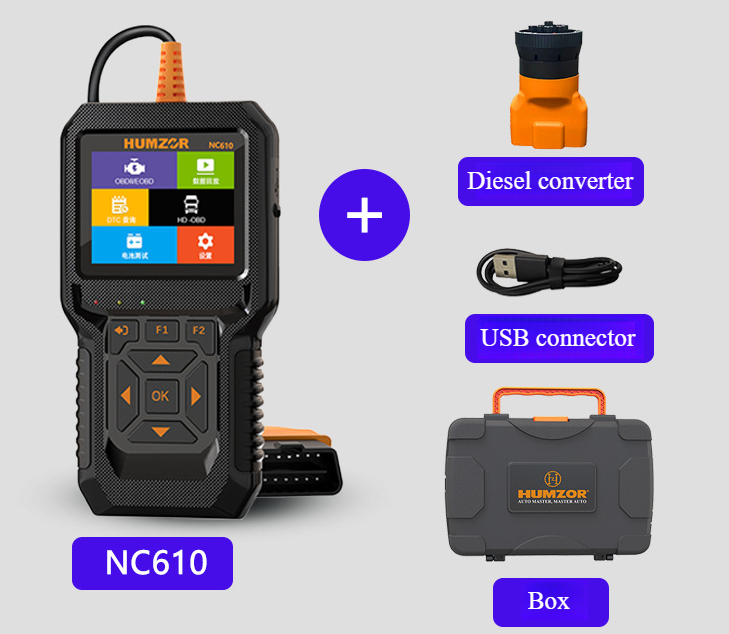
Description
NC610 is easy to carry, simple to operate, fast in diagnosis,large in memory, comprehensive in code base, powerful in performance and novel in design. It is a new generation OBDII diagnostic tool tailored for the owner. Data Live, Freeze Frame,Read DTC, Clear DTC, O2 Sensor Test, On-board Test (Mode 6),Smog Check, I/M Readiness, EVAP Test (Mode 8), Vehicle Info,MIL Status, Battery Test, Fuel Analysis,
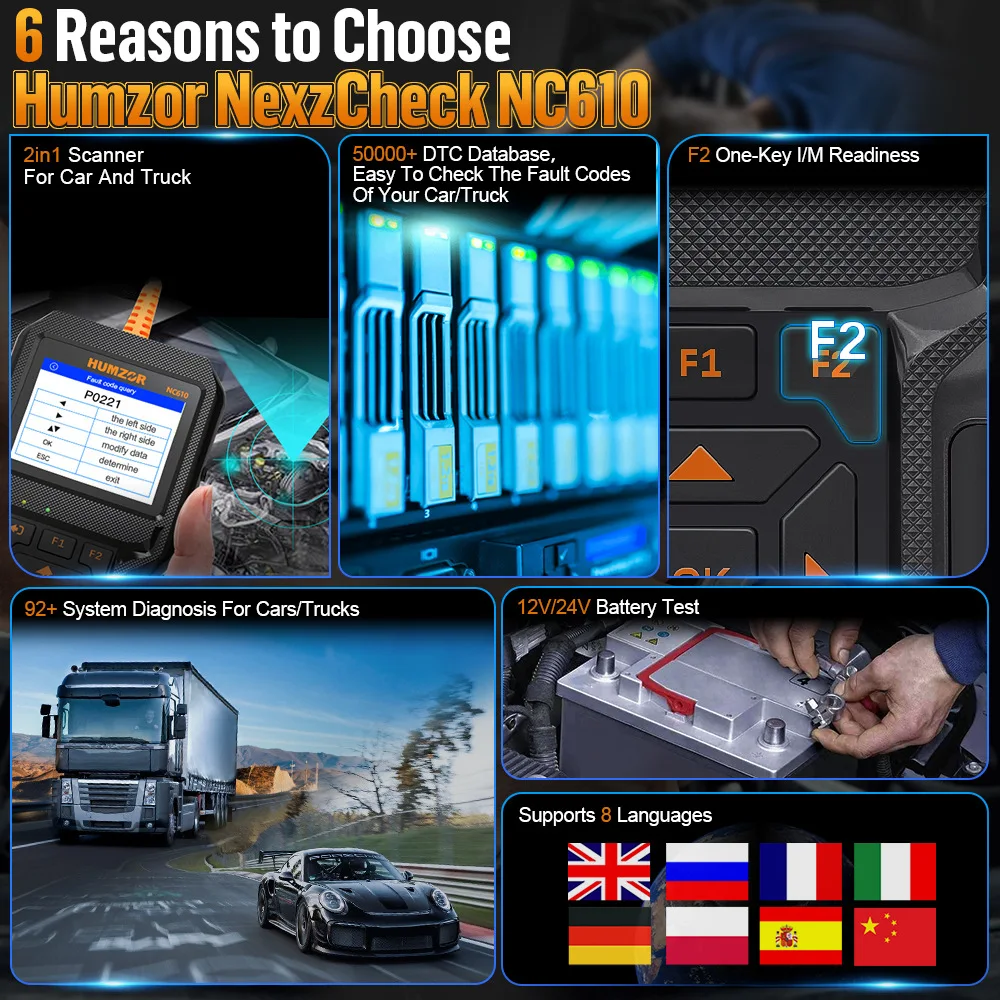
Product Features:
1. Support 12V and 24V gasoline and diesel OBD 2 Diagnosis protocols
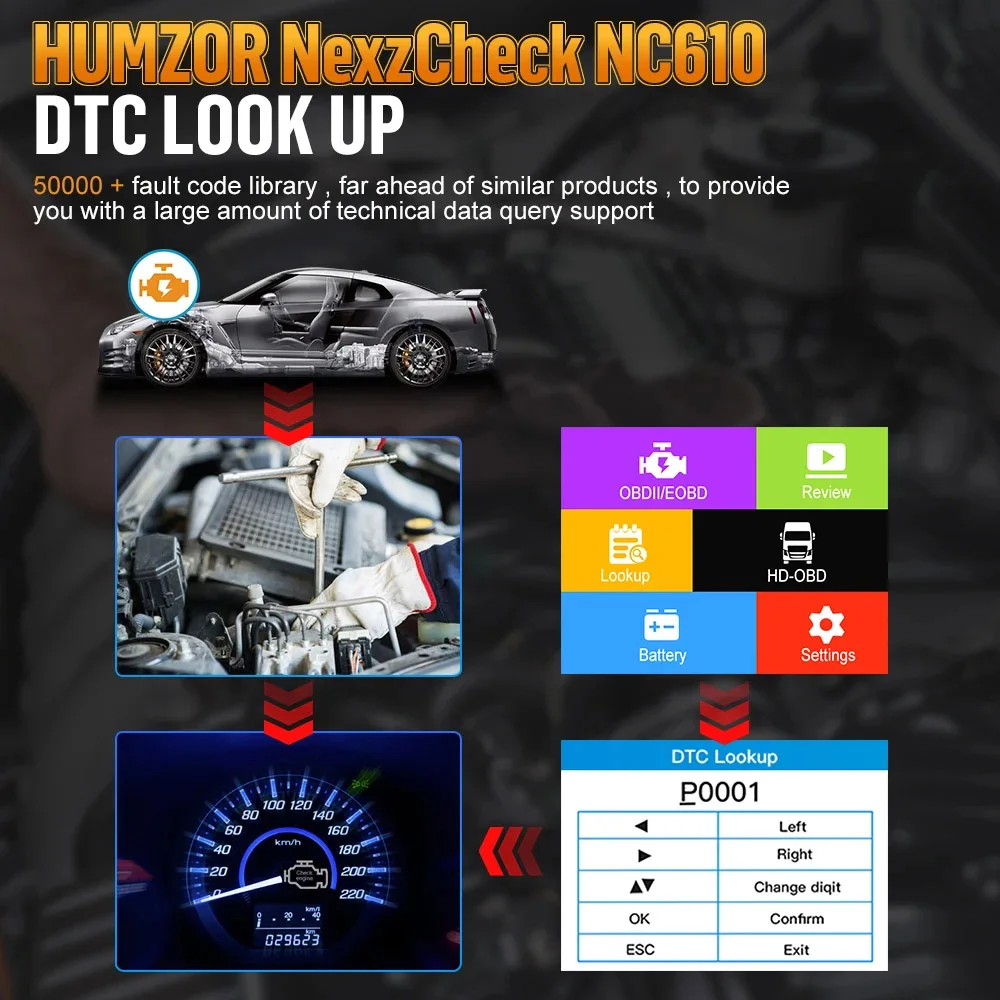
2. More than 50000 fault code analysis for car and heavy duty
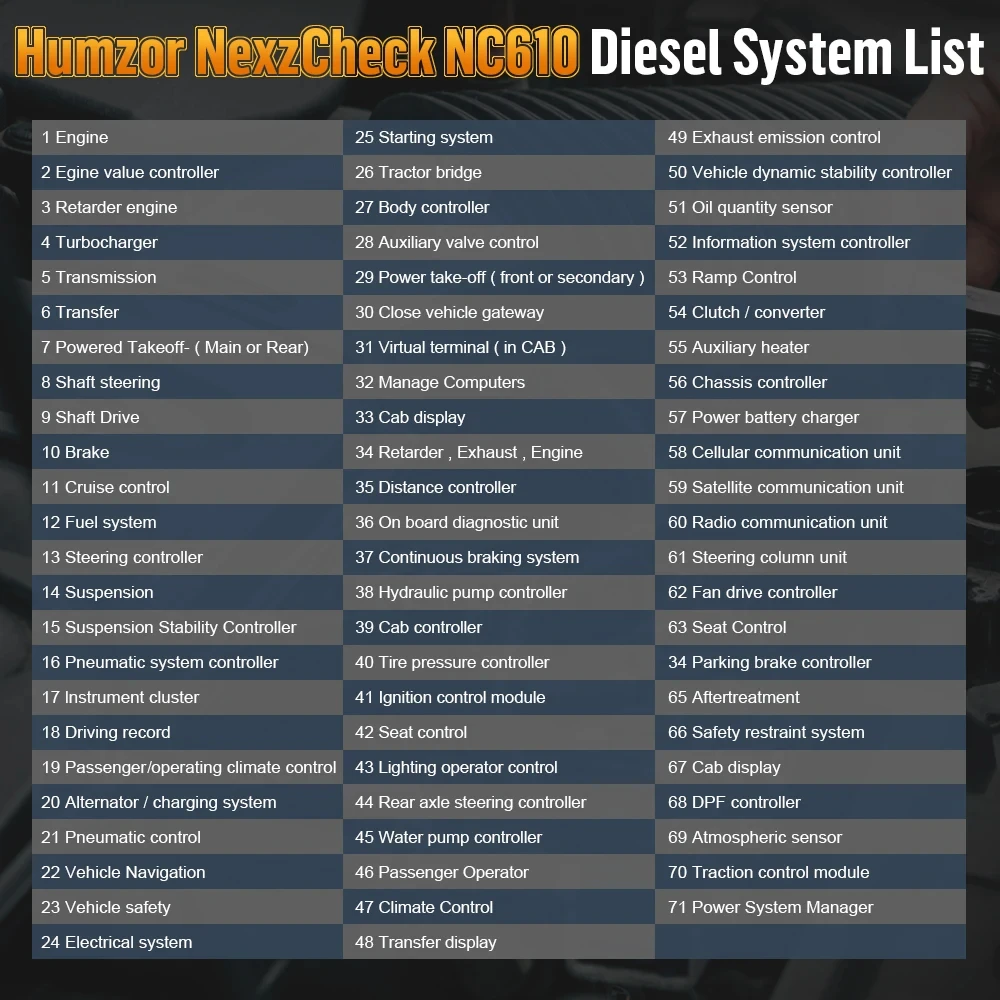
3. Support 92 systems in the Light put and Heavy duty vehicles
4. One key function by F1 and F2
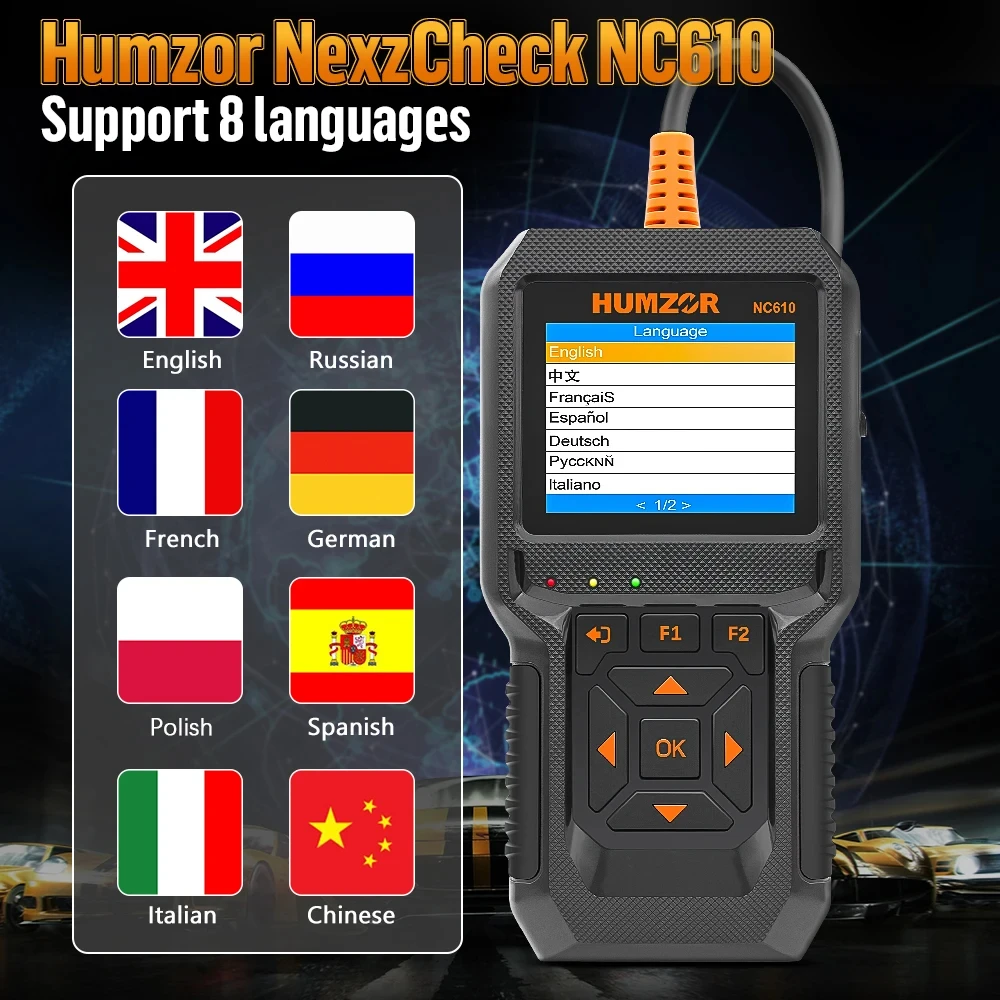
5. Support 8 languages: Chinese , English, French, German, Spanish, Russian, Polish and Italian
6. Complete OBD2 diagnosis functions
7. Complete Battery Analysis Functions
8. 2.8 inch color screen
9. Equipped with diesel car 9-pin adaptor and gasoline 16-pin adaptor
10. Support Smog Check
11. Support Softfware Upgrade
12. Support Diagnostic Report
13. Support battery test and Data Review
14. Support Fuel Analysis
15. Support Lite-duyt and Heavy-duty Diagnosis
16. OBD/EOBD+HOBD (1939)
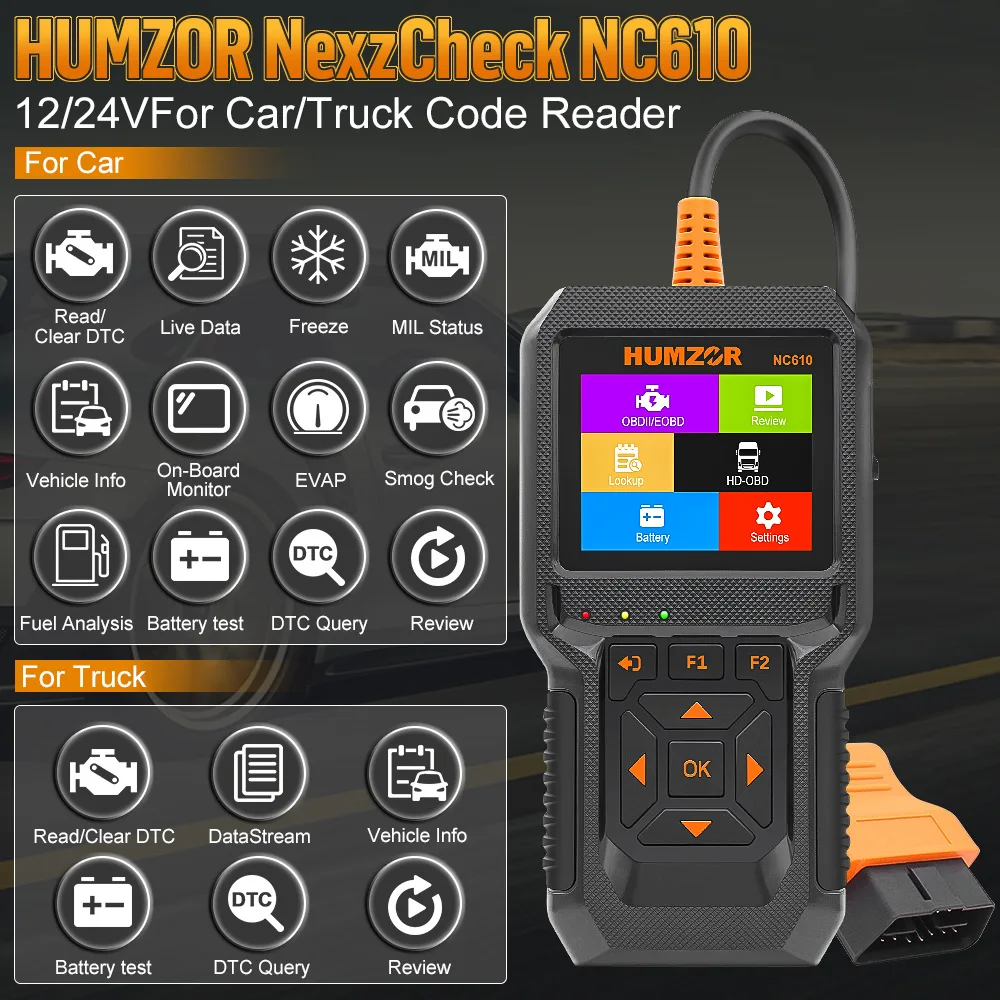
Product Functions:
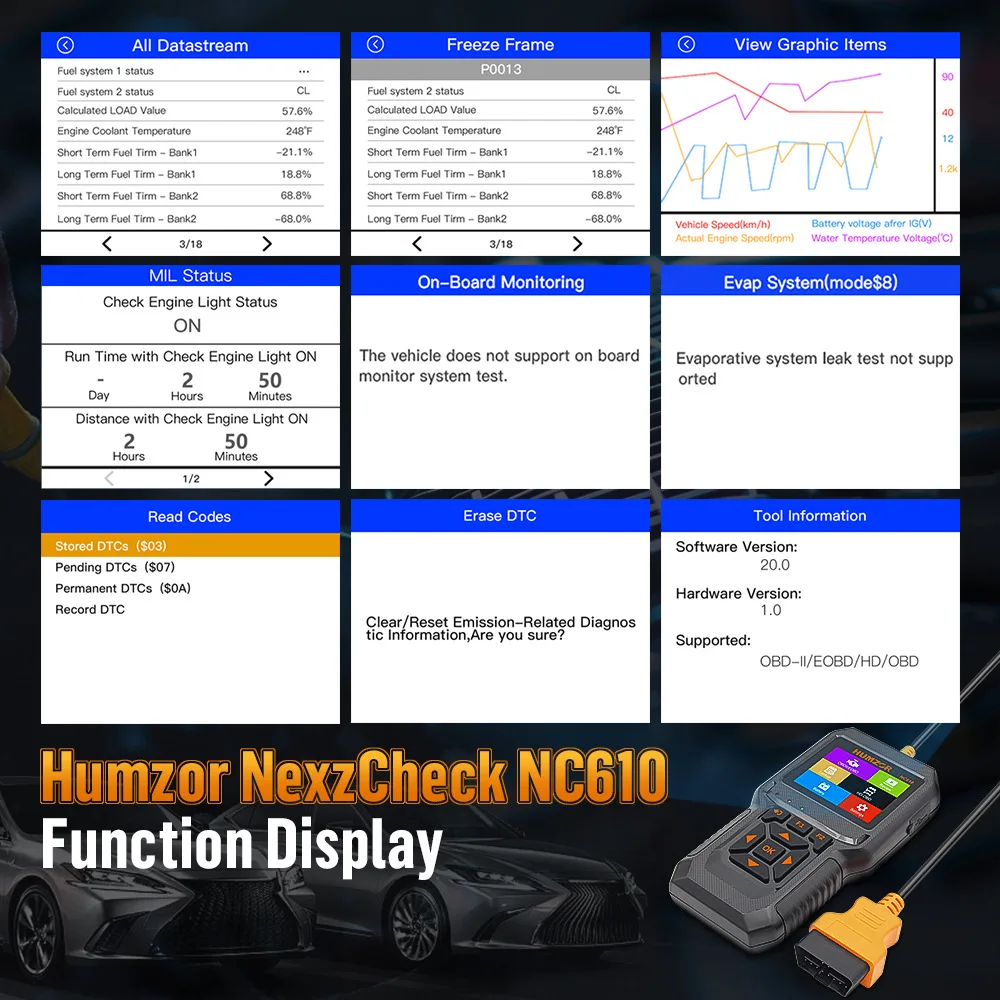
12 functions: Smog Check, Fuel analysis, Battery analysis, Live data, Freeze data, Mode 6 and Mode 8 in the cars.
Diagnosis: Read Codes, Clear Codes, Live Data, Freeze Frame, Mode 6, Mode8, Vehicle Information.
Analysis: Battery Analysis, Smog Check, Fuel Analysis, I/M Readiness, MIL Status Analysis.
Report: Lookup DTC, Review Data.
Cars: Smog Check, Fuel Analysis, Read Codes, Clear Codes, Live Data, Freeze Frame, Mode 6, Mode8, I/M Readiness, MIL Status, Vehicle Information.
Light-duty & Heavy-duty: Vehicle information, read codes, clear codes, data stream.
Assistant functions: Battery analysis, lookup DTC, review, system settings.
OBD-II Diagnosis
The OBD II Diagnostics function is a fast-access option that allows you to carry out a quick test on the engine system of OBD II.
When more than one vehicle control module is detected by the scan tool, you will be prompted to select the module where the
data may be retrieved. The most often to be selected are the Power-train Control or into the vehicle's DLC.
1. Turn the ignition on. Engine can be off or running.
2. Turn on the scan tool. Select OBDII from the Main Screen.
3. Press the OK button to wait for the Menu to appear. A sequence of messages displaying the OBDII protocols will be observed on the display until the vehicle protocol is detected.
I/M Readiness Monitors
An important part of a vehicle's OBD II system is the Readiness Monitors, which are indicators used to find out if all of the emissions components have been evaluated by the OBD II system. They are running periodic tests on specific systems and components to ensure that they are performing within allowable limits.Currently, there are eleven OBD II Readiness Monitors(or I/M Monitors) defined by the U.S. Environmental Protection Agency(EPA). Not all monitors are supported by all vehicles and the exact number of monitors in any vehicle depends on the motor vehicle manufac, turer's emissions control strategy
I/M Readiness function is used to check the operations of the Emission System on OBD2 compliant vehicles. It is an excellent
function to use prior to having a vehicle inspected for compliance to a state emissions program.
Battery Test
The Battery Test function allows viewing the status and the voltage of the vehicle.
1. Select Battery from Diagnostic Menu and press OK button.
2. You can clearly see the status and the voltage of the vehicle
Vehicle Coverage
The Scan Tool is specially designed to work with all OBD II Figure 8-4-1 Beep Set Interface Figure 8-5-1 Device Self-Test,Figure 8-5-1 Key Test Interface 25compliant vehicles, including those equipped with next-generation protocol- Control Area Network (CAN). It is required by EPA that all 1996 and newer vehicles (cars, light-duty and heavy-duty trucks) sold in the United States must be OBD II compliant and this includes all Domestic.
Protocol Coverage
Allows different systems and sensors in a vehicle to communicate. There are currently five Protocols:
SAE_J1850 PWM,
SAE_J1850 VPW,
ISO15765-4 CAN(11bit),
ISO15765-4 CAN(29bit),
IS014230-4KWP(5BPS)
IS09141,SAE J1939
PID-Parameter Identification Data: Data returned by the vehicle's Control Modules to the Scan Tool.